Anydesk
AnyDesk, a fast remote access to computers

Safe & Secure
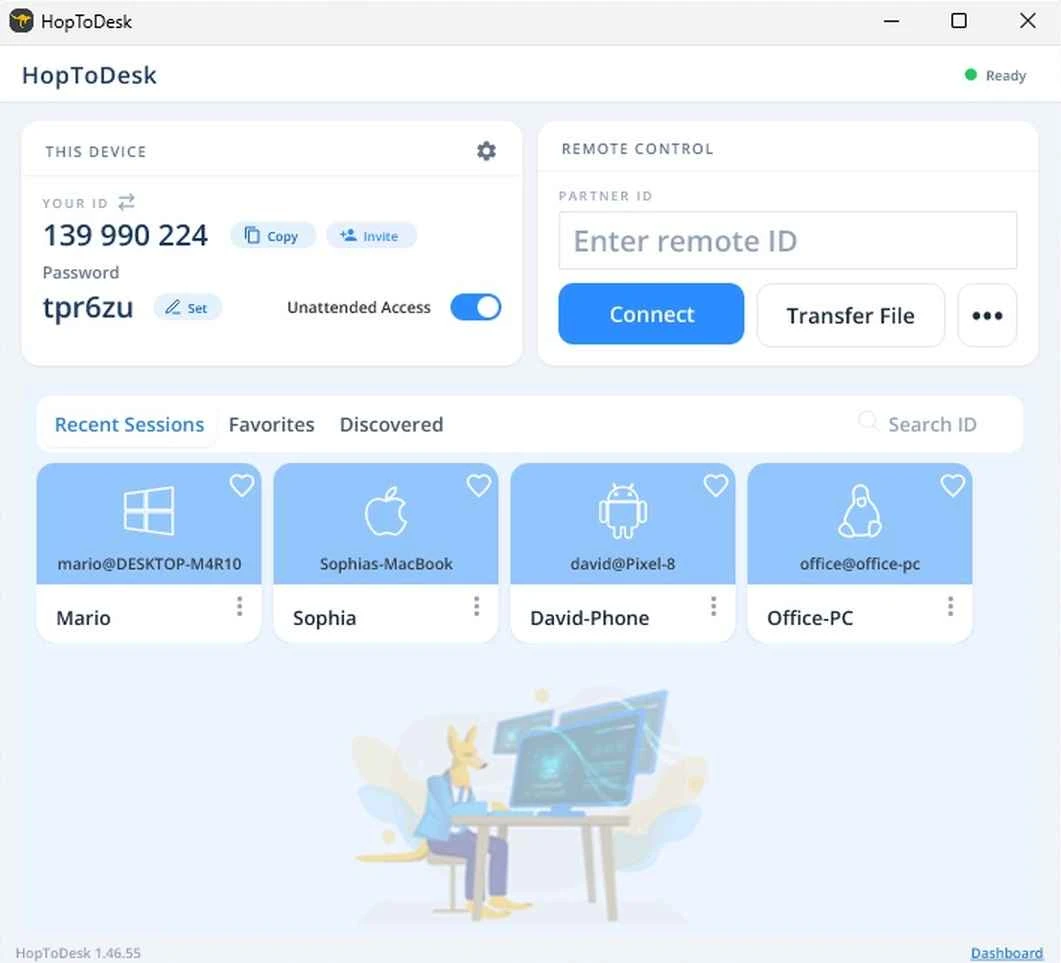
HopToDesk is an open-source, free-to-use utility to ensure remote access to your device, allowing users to share their screen, live chat, transfer files, and remotely control it, regardless of the device you are using, including Windows, macOS, Android, iOS, Chrome OS, and even Raspberry Pi. It is developed by HopToDesk and falls under the Business category.
The app proves to be a real deal in terms of functionality to enable users to unlock the full toolset without paying any charges. The entire remote control process is end-to-end encrypted, ensuring a foolproof connection from anywhere, using any device.
The app offers awesome services in different scenarios, such as assisting a friend, remote access to workers, access to another device, and even enables IT professionals to offer customer services as well. It requires Accessibility services for using the mouse or touch inputs to operate the device, and the Wake-on-LAN feature for handling a sleeping remote device. For connecting to another computer, the guest can use multiple options, such as disabling the clipboard, real-time chatting, and even blocking the host’s input. In addition, files can be transferred to the remote desktop using the Transfer File feature, as it helps to share files during the remote connection using the control panel. However, sending a few files is possible through the Transfer File button from the main interface.
Beyond the main interface, the app also offers an optional Dashboard to manage multiple tasks reliably, such as monitoring devices in real-time, sending alerts, session history with CSV export, unattended access, and team roles, invitations, and SSO. It allows you to generate custom-branded clients using preset connection and security settings. The built-in help desk is available with a customer ticket portal, allowing users to submit tickets, even if they don’t have an account. It is also equipped with multiple additional capabilities, such as a full audit trail, SLA targets, multi-tenant sub-accounts for managed service providers, CSAT surveys, and GPO, Intune, SCCM, Jamf, and Ansible for deployment. You can get the free tier for Dashboard with three devices, and a Business plan for up to 500 devices and more.
You will find a fully end-to-end encrypted environment for file-sharing, screen-sharing, and chats. It also offers two-factor authentication protection for the safety of your banking activity, passwords, or PINs. You can report scammers to avoid them targeting your shared screens. The app claims that none of your shared data or sessions are stored. However, the fully capable and well-equipped app demands that users not grant control of your device to a criminal, nor display financial credentials during a sharing session, and also not accept an unexpected session.
Pros
Cons

AnyDesk, a fast remote access to computers

Accelerated Downloading with Internet Download Manager (IDM)

SHAREit for PC is the best option for a P2P file-sharing process without using Wi-Fi.

ShareMe for PC, a freeware and streamlined file-sharing app

uTorrent, a powerful, lightweight, and fastest P2P file-sharing software

Xender for PC, an effective and convenient file transfer utility